mirror of
https://github.com/home-assistant/frontend.git
synced 2026-03-03 23:40:35 +00:00
 4b56db5255
* Added button and js method to copy with copy-to-clipboard library

* Copy entity id working, tooltip added

* copy ok, use ha toast to notify ok

* cleanup code

* add translation

* removed old useless code

* Replaced copy button with menu

* Fix comparison operator & removed commented code

	modifié :         src/panels/developer-tools/state/developer-tools-state.js

* Fix spaces

	modifié :         src/panels/developer-tools/state/developer-tools-state.js

* Improve copy attributes

* only one menu & update translation

* copy attributes in yml format
use paper-icon-item instead of paper-icon-button and add yarn.lock

* removed paper-item
Home Assistant Polymer 
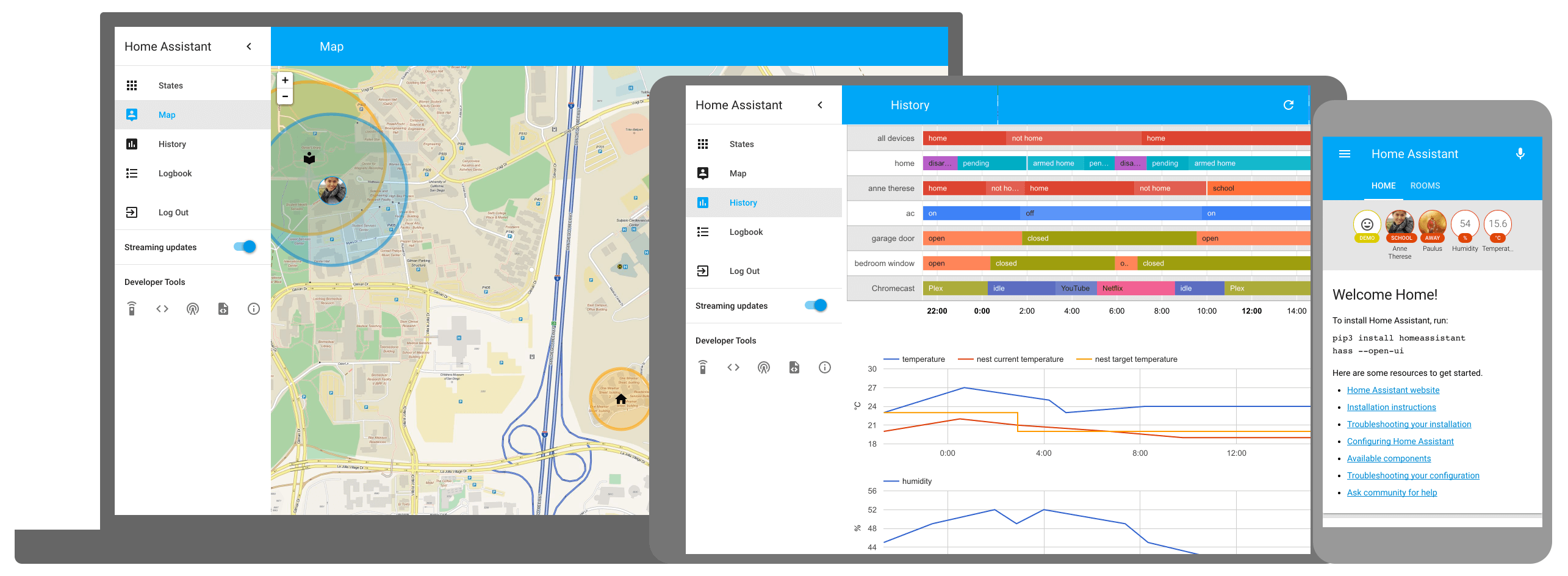
This is the repository for the official Home Assistant frontend.
Development
- Initial setup:
script/setup - Development: Instructions
- Production build:
script/build_frontend - Gallery:
cd gallery && script/develop_gallery - Hass.io: Instructions
Frontend development
Classic environment
A complete guide can be found at the following link. It describes a short guide for the build of project.
Docker environment
It is possible to compile the project and/or run commands in the development environment having only the Docker pre-installed in the system. On the root of project you can do:
sh ./script/docker_run.sh buildBuild all the project with one commandsh ./script/docker_run.sh bashOpen an interactive shell (the same environment generated by the classic environment) where you can run commands. This bash work on your project directory and any change on your file is automatically present within your build bash.
Note: if you have installed npm in addition to the docker, you can use the commands npm run docker_build and npm run bash to get a full build or bash as explained above
License
Home Assistant is open-source and Apache 2 licensed. Feel free to browse the repository, learn and reuse parts in your own projects.
We use BrowserStack to test Home Assistant on a large variation of devices.